

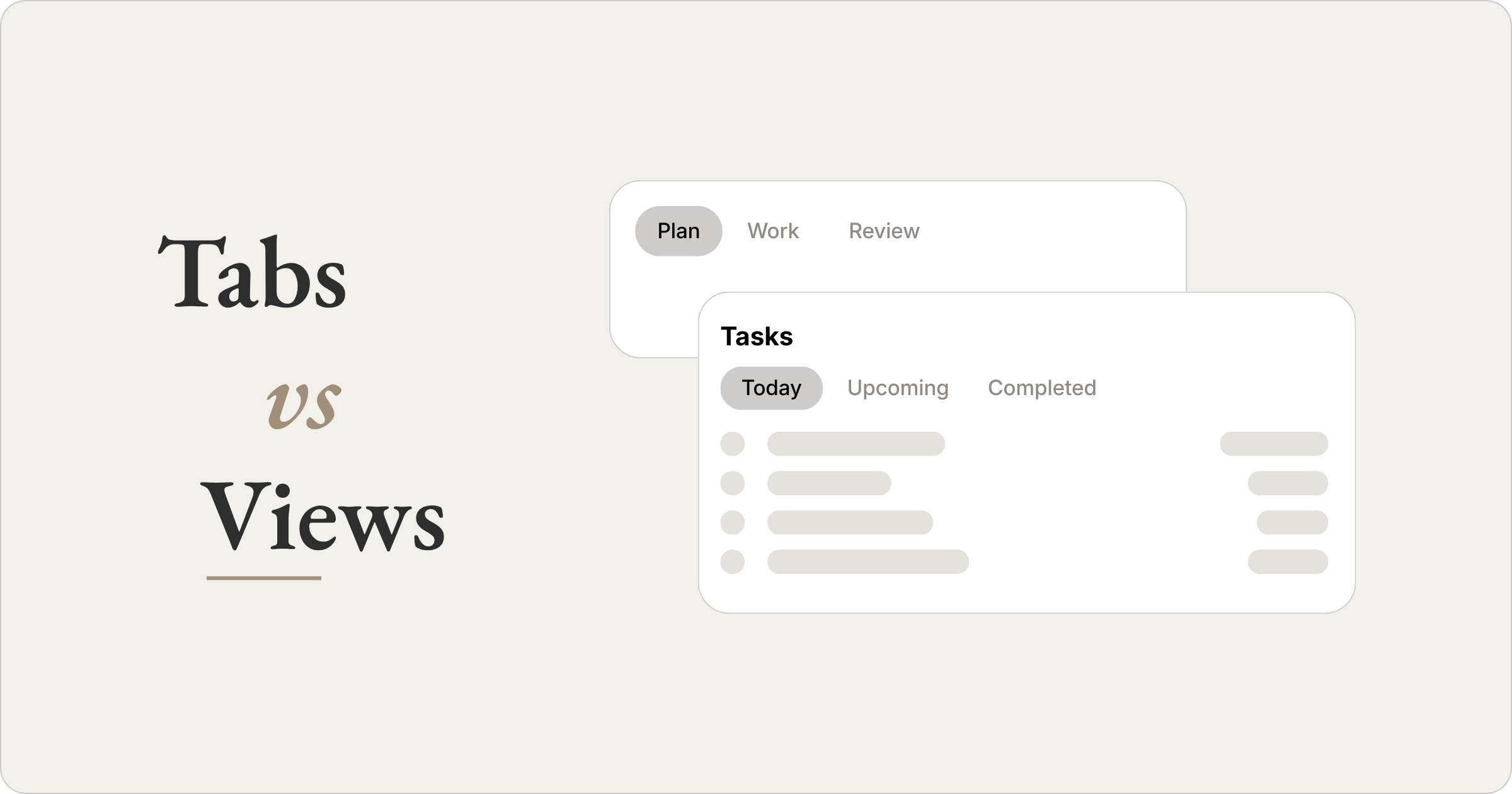
For a while I couldn’t tell Notion’s tabs and views apart. Both show up as a horizontal row of labels at the top of a page, and both change what I see when I click one. I used them interchangeably for weeks, and my pages filled with a mix of the two that I couldn’t reason about. The difference between them is structural, and once it was clear, most of that mess traced back to a single mistake.
What a view is
A view belongs to one database. It takes the same records and lays them out a different way. My Tasks database is a single pool of data. As a table I edit properties fast, as a board grouped by status I see where each task sits, as a calendar I see when things land.
Each view carries its own filters and sorts, which narrows what appears. The data underneath never changes. A view only changes how I look at it.
What a tab is
A tab is a container. Each one holds its own set of blocks, and that can be a single view, several views stacked together, or text and buttons around them. Clicking another tab swaps the whole section for a different set of blocks in the same spot on the page.
That is a bigger move than a view. A view reshapes one database, a tab replaces everything in the section. A tab changes what I am there to do.
How the two relate
What finally sorted this out for me: a tab can hold a view, and a view can never hold a tab. They are not two versions of one feature. One sits above the other.
A view is a way of showing data. A tab is a place to put views, and anything else the work needs. Once I pictured them stacked, one above the other rather than side by side, I stopped reaching for one when I meant the other.
How they sit in my workspace
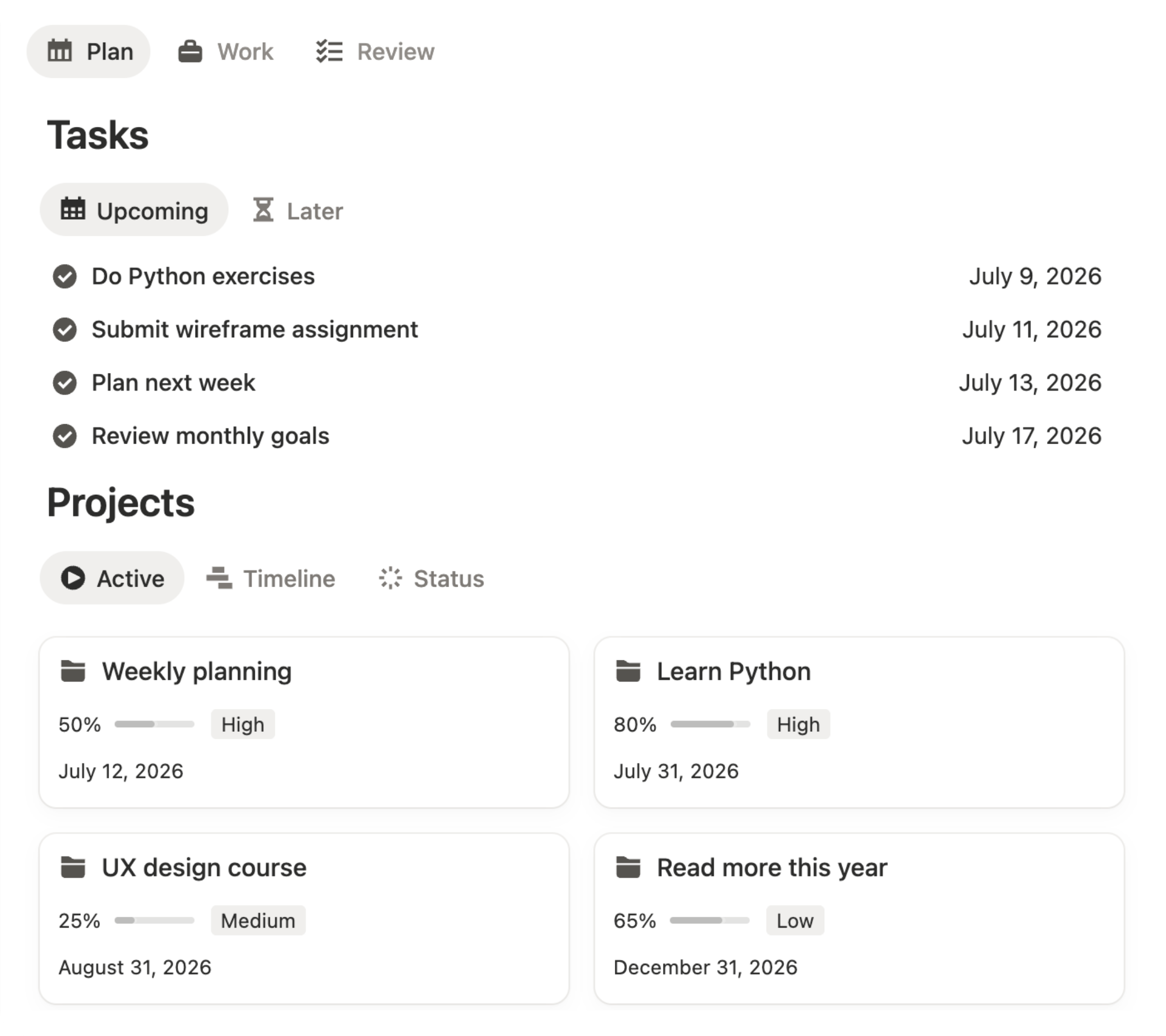
My daily dashboard splits into three tabs, not by database but by what I’m doing: Plan, Work, Review.
Behind them sit a few databases for tasks, projects, and notes, and each tab pulls in the combination that moment calls for. Plan puts tasks next to projects, because planning a day means seeing what’s due next to what it belongs to. Work puts tasks next to notes, because that’s what I keep open while the work happens. Review puts completed tasks next to projects, because closing a day means checking what got done against what it was for.
Where it goes wrong
The single mistake was always the same: one tool doing the other’s job.
It ran in two directions. Most often I built a section out of views and let it grow, until a stack of views was holding a whole context that a tab was meant to carry. When I did reach for tabs, I made the reverse error and rebuilt the same views inside each one. The tabs began to overlap, the contexts blurred, and eventually a single tab held everything, because that was where the work already lived. Once that happens the tabs stop meaning anything. There is nothing left to separate.
The rule I use
A view is for seeing the same data another way. A tab is for a different thing I sit down to do. Before I add either, I ask which one it is. If I’m still inside the same work, looking at the same records from a new angle, that’s a view. If I’ve moved to a different part of my day that needs its own mix of things on screen, that’s a tab. The test isn’t how it looks, it’s whether the work changed.